MCP Tools Reference
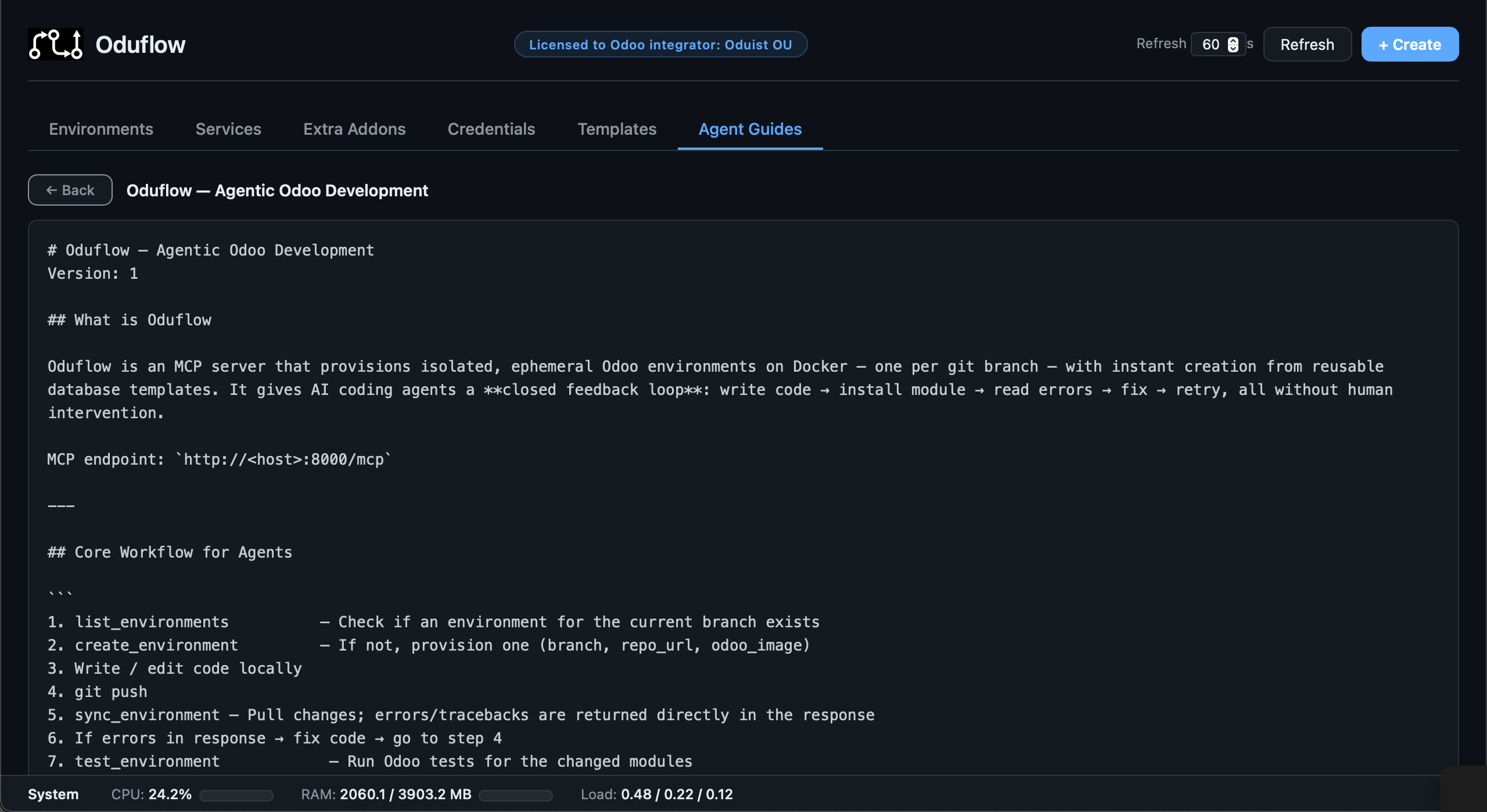
All tools are accessible via MCP clients (Cursor, Cline, Amp, etc.) and the CLI (oduflow call). A subset is also available via the REST API.
| Tool | Lock | Description |
|---|---|---|
| Environment Management | ||
create_environment |
✓ | Provision an Odoo environment for a branch (clone, DB, container, filestore) |
delete_environment |
✓ | Tear down all resources for a branch |
list_environments |
List all managed environments with status and URLs | |
get_environment_info |
Full environment details: DB name, URL, repo, image, template, extra addons, workspace, container status, CPU/RAM stats | |
start_environment |
Start a stopped environment | |
stop_environment |
Stop a running environment | |
restart_environment |
Restart the Odoo container | |
rebuild_environment |
✓ | Re-create the container from the same image, preserving DB and filestore |
| Odoo Operations | ||
pull_and_apply |
✓ | Git pull + smart analysis → auto install/upgrade/restart |
install_odoo_modules |
✓ | Install Odoo modules (-i) |
upgrade_odoo_modules |
✓ | Upgrade Odoo modules (-u) |
run_odoo_tests |
✓ | Run Odoo tests for specific modules |
get_environment_logs |
Retrieve recent container logs | |
run_odoo_command |
✓ | Execute an arbitrary shell command inside the Odoo container |
run_odoo_shell |
✓ | Execute Python code in the Odoo shell context with full ORM access |
read_file_in_odoo |
Read a text file or list a directory inside the Odoo container. Supports line ranges (e.g. "1:50") |
|
write_file_in_odoo |
✓ | Write a text file inside the container (CSV imports, scripts, configs) |
search_in_odoo |
Search for a pattern (fixed-string grep) in files inside the Odoo container | |
http_request_to_odoo |
Make an HTTP request to the running Odoo instance (test controllers, JSON-RPC, REST) | |
list_installed_modules |
List Odoo modules and their states with name/state filtering | |
run_db_query |
✓ | Execute a SQL query against the environment's PostgreSQL database |
reset_admin_password |
✓ | Reset the admin user password in the Odoo database (default: "test") |
read_output |
Read from a cached tool output by ID (paginate, grep, errors, tail) | |
| Template Management | ||
save_as_template |
✓ | ⚠️ Save a branch DB + filestore as a new template |
list_templates |
List available template profiles | |
delete_template |
✓ | ⚠️ Delete a template profile (DB + files) |
import_template_from_odoo |
✓ | Import a template from a running Odoo instance via database manager API |
| Auxiliary Services | ||
create_service |
✓ | Create a managed service container (e.g. Redis, Meilisearch) |
delete_service |
✓ | Stop and remove a service container |
restart_service |
Restart a service container | |
update_service |
✓ | Pull latest image and recreate the service |
list_services |
List all managed service containers | |
get_service_logs |
Retrieve service container logs | |
run_service_command |
Execute a shell command inside a service container | |
| Service Presets | ||
list_service_presets |
List saved service presets (configurations that can be restored) | |
restore_service |
✓ | Restore a service from a saved preset |
delete_service_preset |
✓ | Remove a saved service preset |
| Repository Auth | ||
setup_repo_auth |
✓ | Cache git credentials for a private repository |
| Extra Addons | ||
add_extra_repo |
✓ | Clone an extra addons repository (e.g. Odoo Enterprise) for use with environments |
list_extra_repos |
List all cloned extra addons repositories | |
update_extra_repo |
✓ | Fetch latest changes from the remote for an extra addons repository |
delete_extra_repo |
✓ | Delete a cloned extra addons repository |
| Agent Instructions | ||
get_agent_instructions |
Get AI agent instructions for using Oduflow MCP tools | |
get_odoo_development_guide |
Get Odoo development standards guide for a specific version (15–19) |
Locking
Tools marked with ✓ acquire a per-branch or per-team lock. Operations on different branches run in parallel. If another operation on the same branch (or team, for team-level tools) is already in progress, the call is rejected with BusyError.